Charts that draw themselves
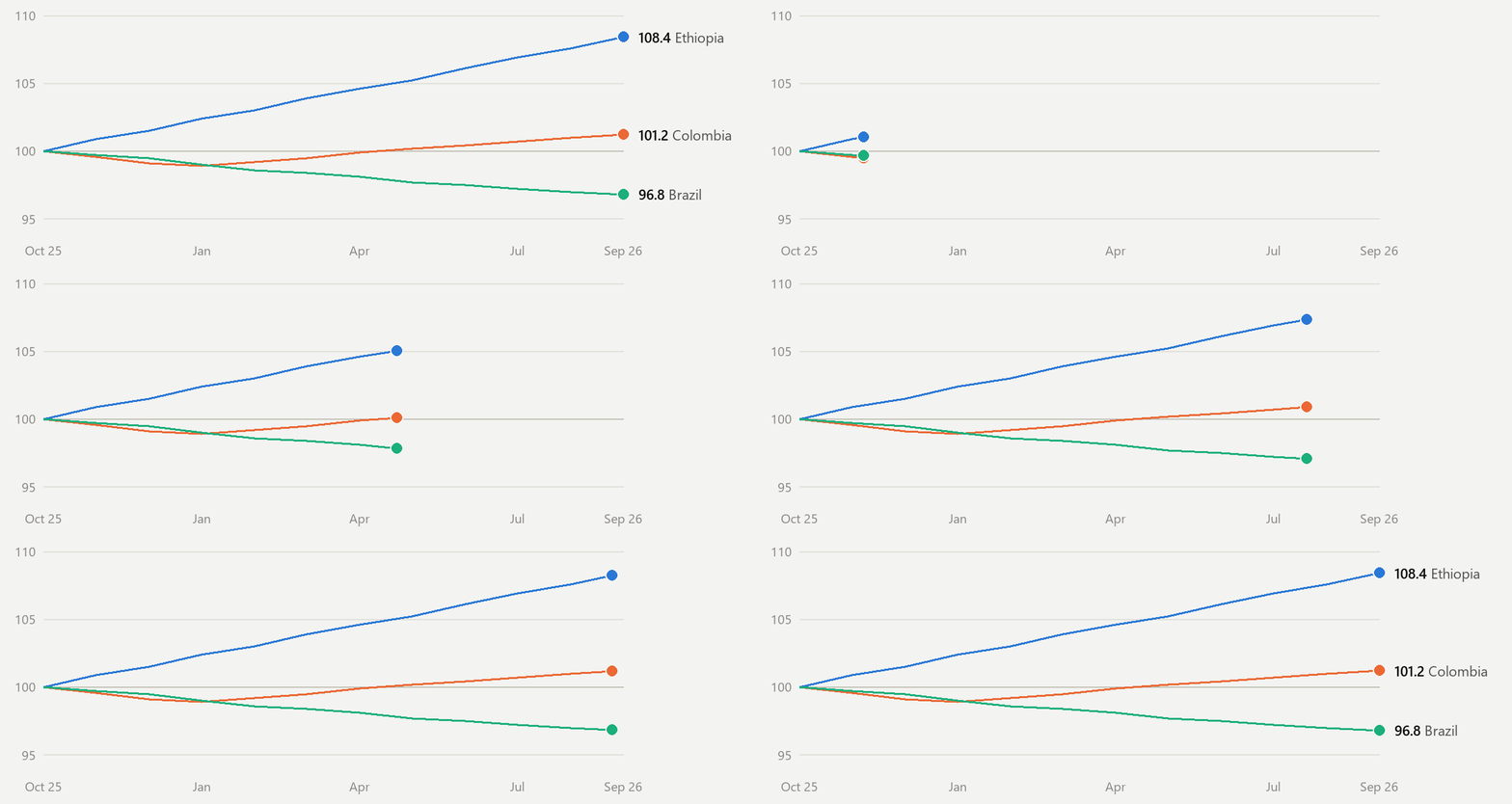
Lines draw on, donuts sweep, bars grow. Frame 1 is the finished chart, so an Outlook that won't animate still shows the numbers. Each GIF plays three times, matching the Microsoft 365 cap.
Click the chart to replay it.OUTLOOK EMAIL KIT / ONE SATURDAY, 11 PROMPTS, VOICE MODE / BUILT WITH CLAUDE CODE
Animated charts, vector graphics and scenes that breathe, all inside the Outlook inbox, the strictest canvas in office software.
Pick a message. This is the real HTML the kit generates, shown the way new Outlook and Outlook on the web render it. The charts and the night scene are animated GIFs.
Roast Report <roast@example.com> · to you
Simulated new Outlook. Classic Outlook (the Word engine) gets its own build of each email, with VML charts in place of the GIFs. Outlook 2013 to 2019 shows a GIF's first frame, so the kit makes frame 1 the finished chart. All data is fictional.
The whole kit came out of a single Claude Code conversation. Each building is a prompt and each lit window is a tool call Claude made, coloured by kind. A river marks where the conversation was compacted to free up its context.
Press replay and the session rebuilds itself: every prompt types out at the time it was sent, and its building rises as Claude works.
Outlook has two rendering engines and strips most of what the web takes for granted. These are the tricks that still get through.
Lines draw on, donuts sweep, bars grow. Frame 1 is the finished chart, so an Outlook that won't animate still shows the numbers. Each GIF plays three times, matching the Microsoft 365 cap.
Click the chart to replay it.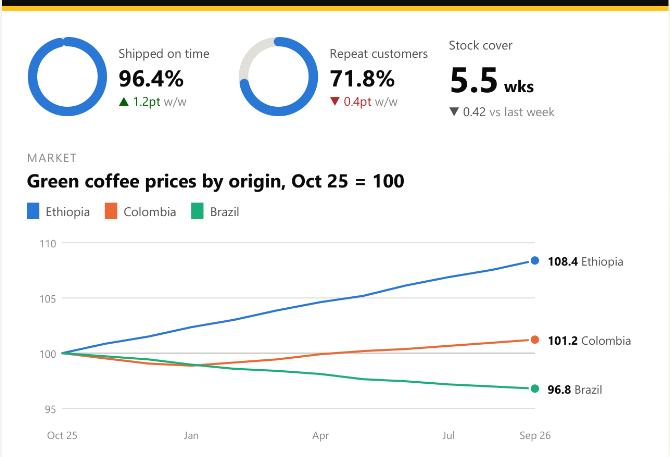
Classic Outlook renders HTML with Word, which ignores most CSS. It still draws VML, Microsoft's vector format from 1998, so donuts and line charts stay sharp there too.
Shown: Word's own render of the Roast Report email.
A night tower that never quite sits still: one GIF of 24 frames, built so the last frame flows into the first. A window going dark passes through an afterglow frame, so the flicker stays soft.
Frame 1 is the tower at rest, which is what a non-animating Outlook shows.The preview lab renders the classic version with Word itself, through COM, next to simulated new Outlook and the card. What you see is what classic Outlook will show, with no testing subscription.
Needs Windows with Word installed.
|
| ||
|